Workflow Debugging
Datadog's Workflow Automation lets teams orchestrate and automate remediation across their stack. Debugging is the essential counterpart to building, yet the team had never meaningfully invested in it. I led the end-to-end design for bringing foundational debugging capabilities to the platform.
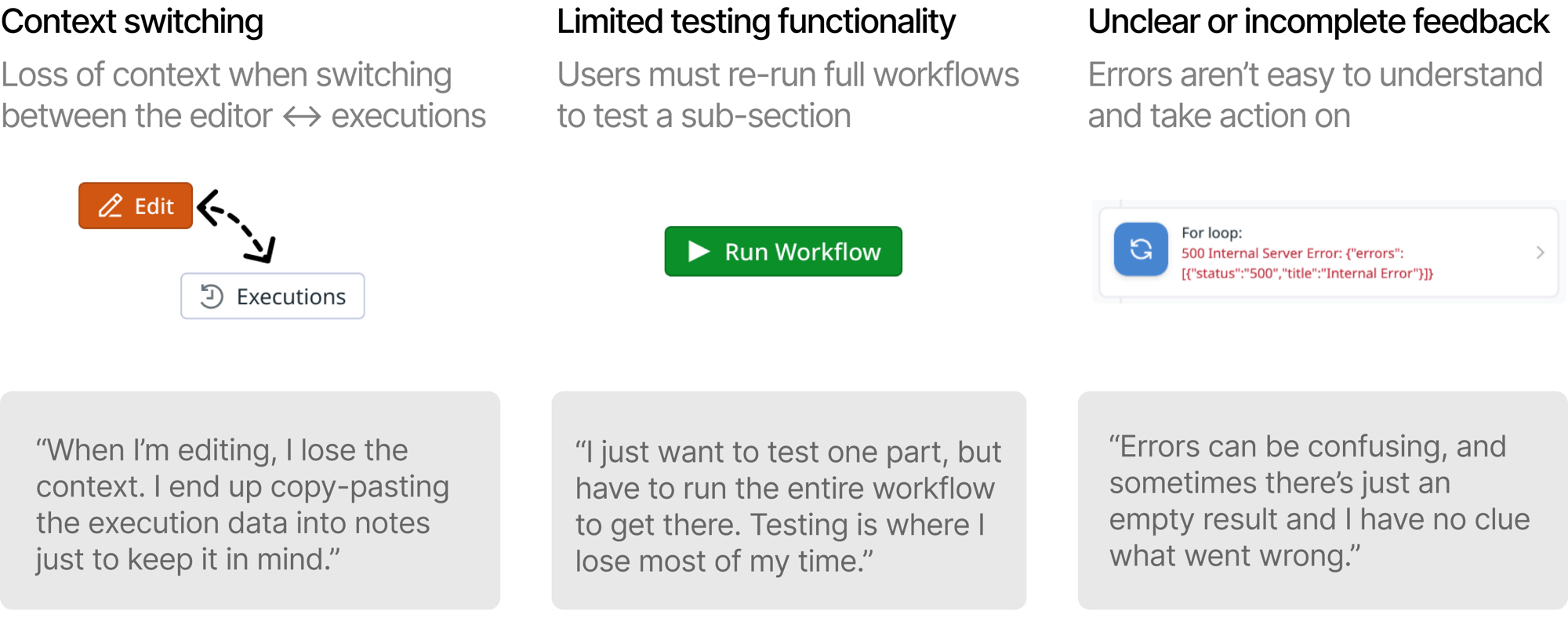
Users struggled with context switching, limited testing functionality, and unclear error feedback.
I ran research sessions with internal and external users to map the biggest friction points: executions lived on a separate page, only the full workflow could be run, and error messages were often cryptic.
From there, I conducted a competitive analysis across the low-code automation space, then worked with engineers to scope the initiative and prioritize the highest-value features for Q1.
Debugging tools that eliminate context-switching, reduce testing time, and provide actionable results.
I introduced a bottom executions panel that brings execution history directly into the editor. Users can view run details alongside their workflow and act on errors with AI assistance.
I prototyped in Figma Make before editing code directly with Claude Code, which allowed me to design for interaction details that a traditional handoff would miss. My favorites include: a dark mode shift signaling entering "debugging mode", faint red/green gradients on errored and successful steps, and a canvas zoom-out when the panel opens.
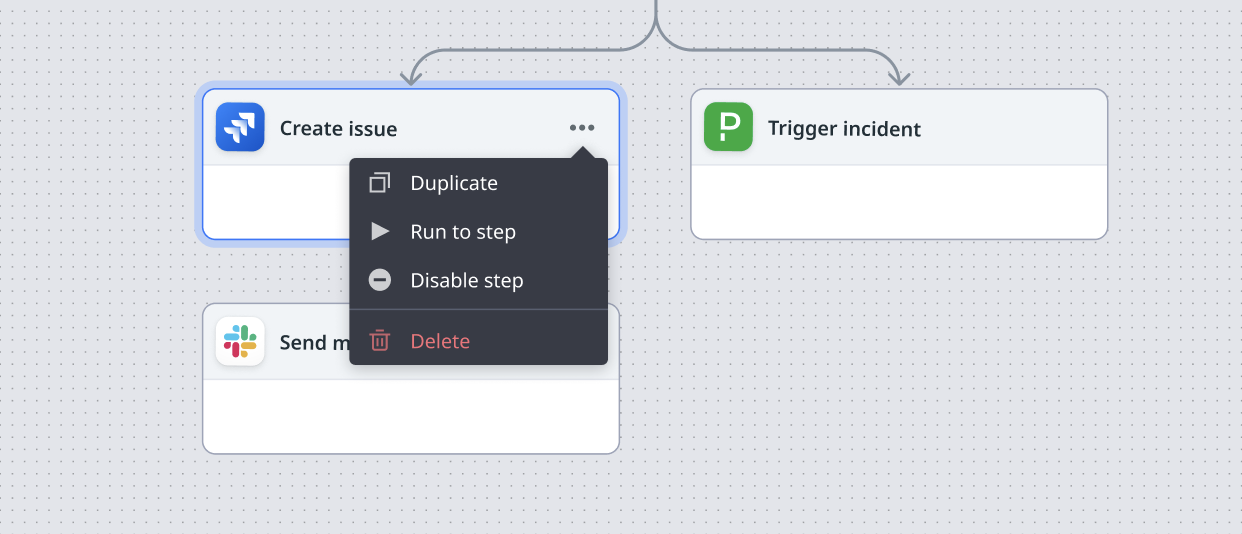
Beyond the panel, I designed features to run to and disable steps, giving users finer control over testing without re-running the full workflow.
Strong early reception, with more features in progress.
Success metrics include reduction in full workflow re-runs, engagement with the new features, and improvement in time-to-resolution tracked through follow-up research sessions.